Design once. Create with laser cutters, vinyl cutters, plotters and embroidery machines
MakerStudio is a Chromebook-ready 2D design platform built for primary and secondary education from K5 onward. Start creating directly in your browser—without installing complex professional design software.
One ecosystem, three pillars
The public trial covers the Design pillar. Fabrication and Management grow with institutional subscriptions.
Design
Create, import, trace, edit, save and export designs directly in the browser.
Fabrication
Prepare designs for laser cutters, vinyl cutters, plotters and embroidery workflows.
Management
Manage learners, anonymous avatars, activities and machines.
Everything you need to go from idea to SVG
Six weeks of access
Cloud-based designs
SVG and image import
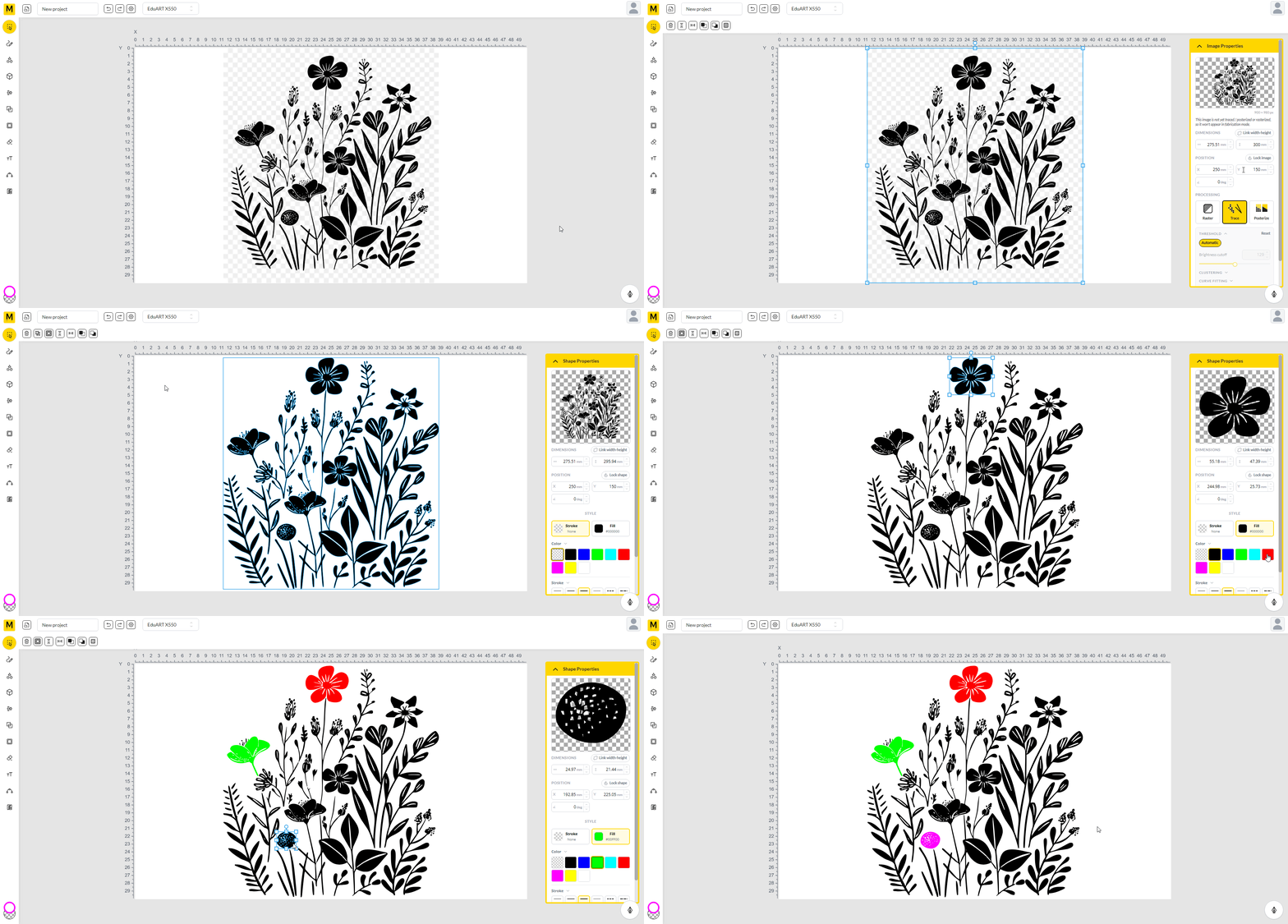
Image tracing
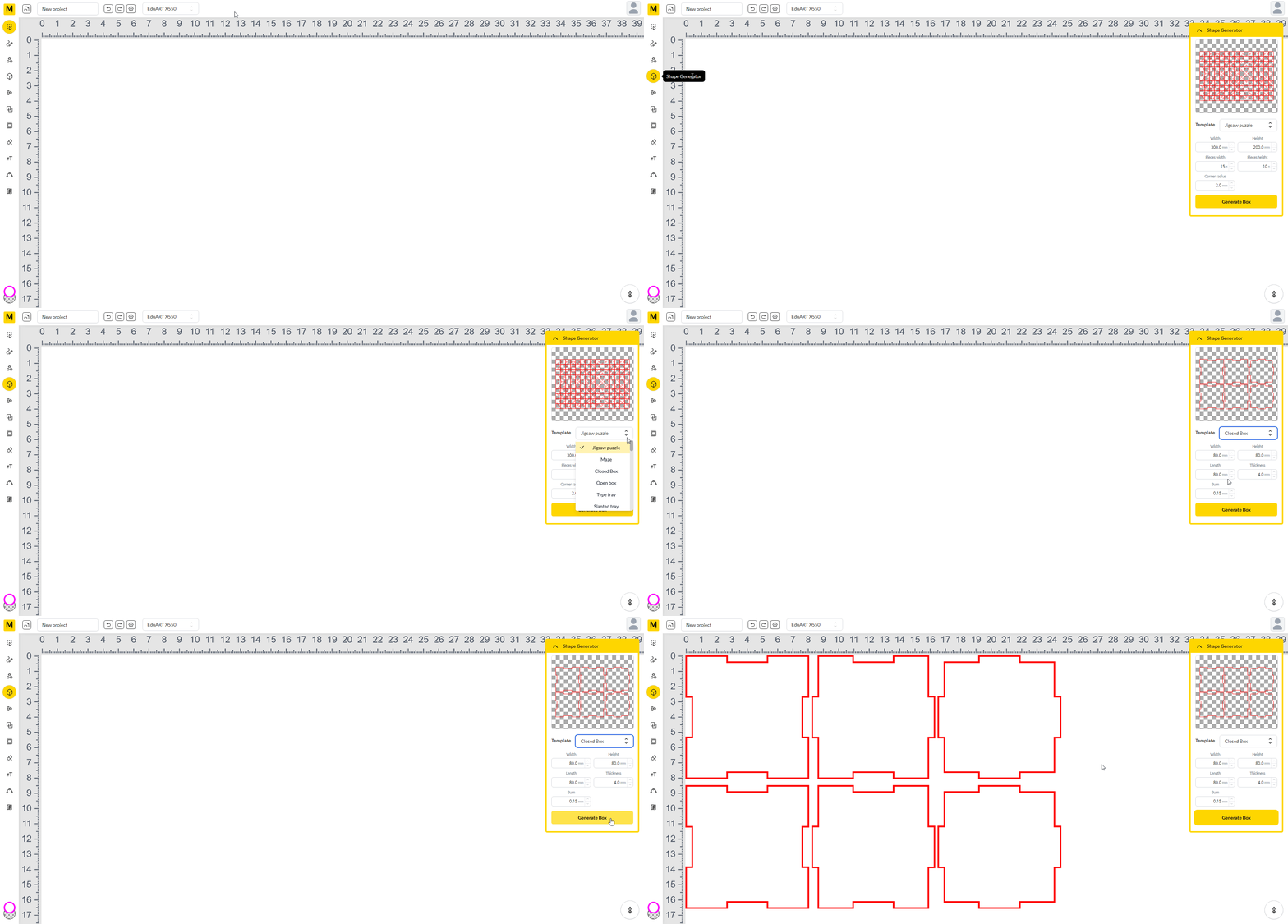
Preset and generated shapes
Text and font tools
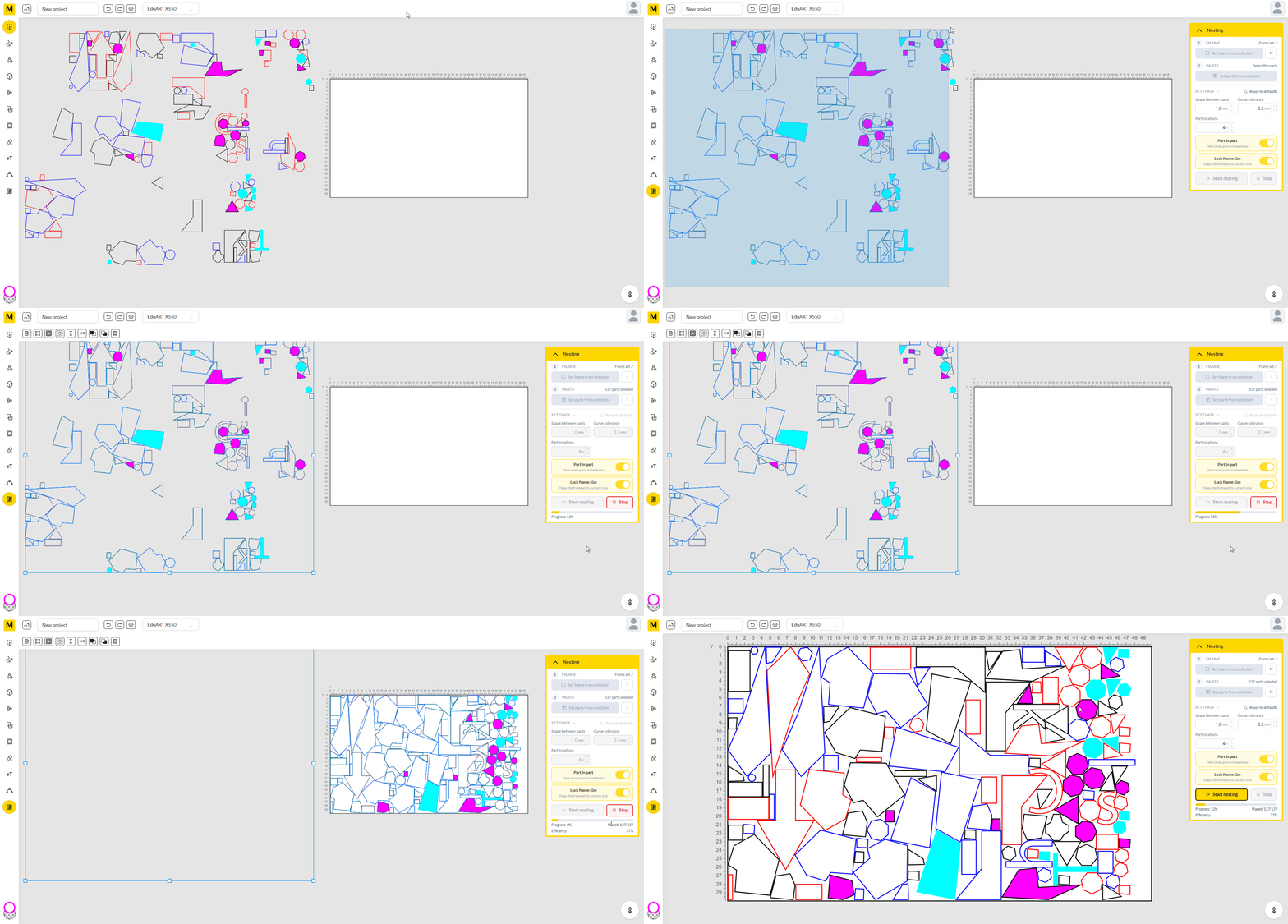
Automatic nesting
SVG export
The MakerStudio Design Trial includes the complete browser-based design environment, cloud storage and SVG export.
Classroom management, machine configuration, materials and direct machine-code generation are available through institutional MakerStudio subscriptions and demonstrations.
From blank canvas to fabrication-ready SVG
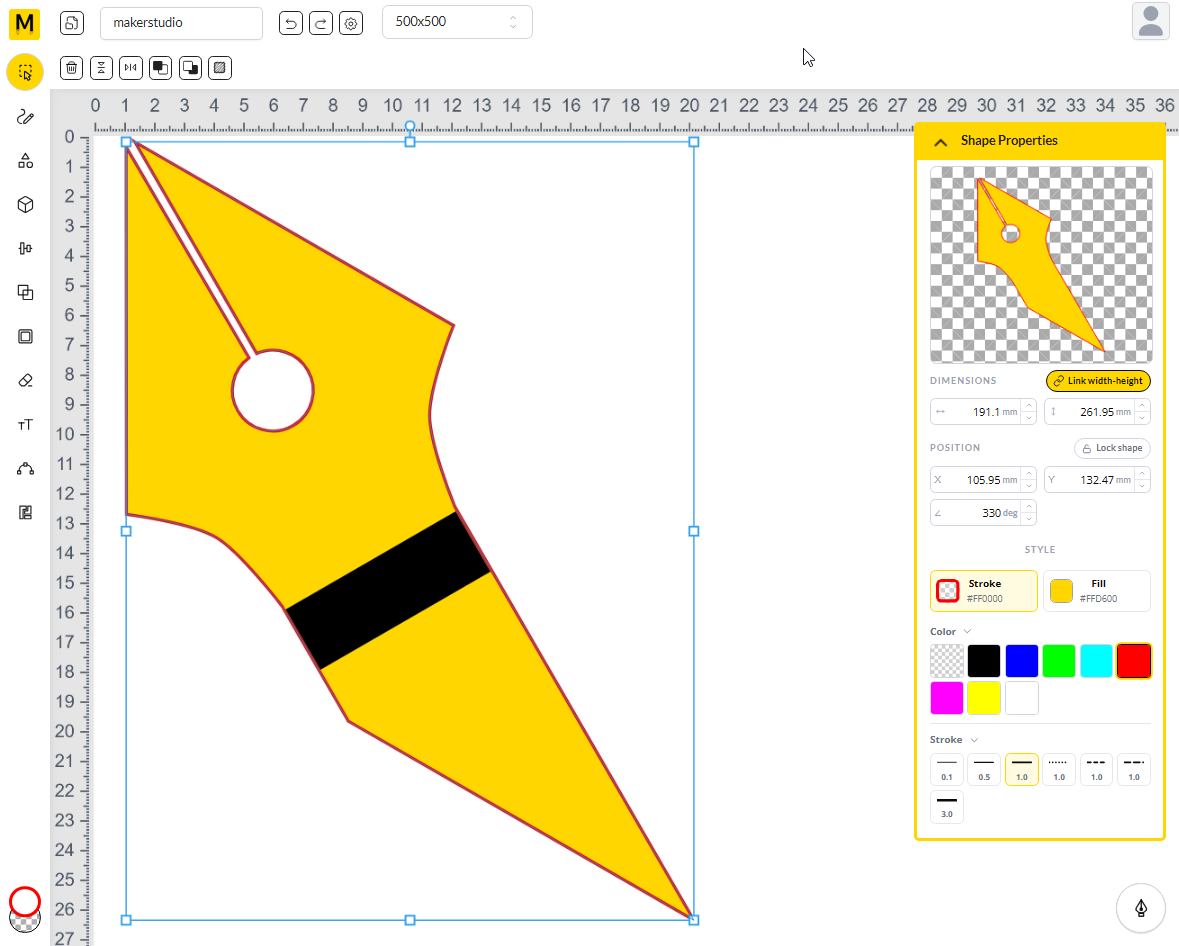
Create or import
Start from a preset shape, type text, or import and trace an image.
Edit and organise
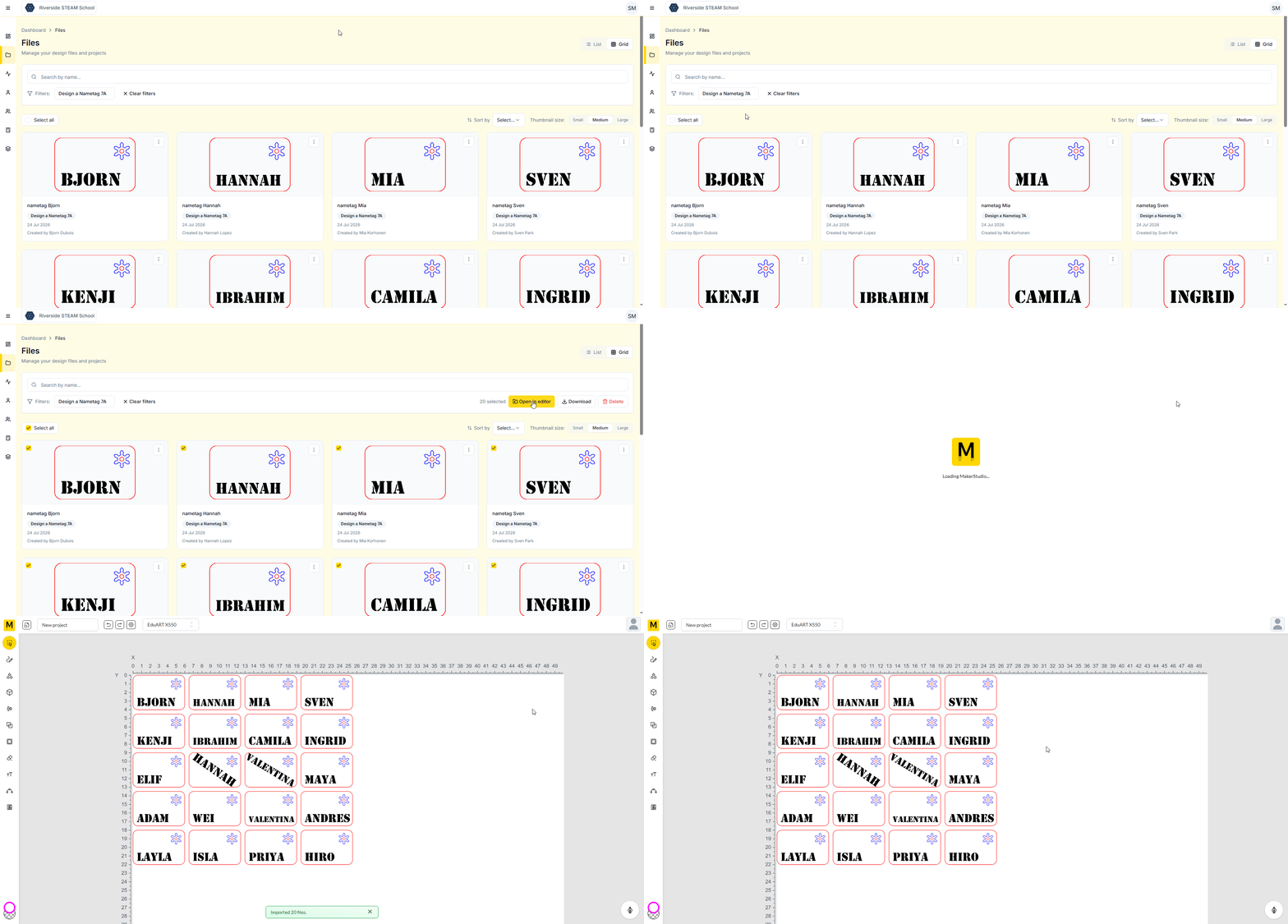
Adjust outlines and fills, align elements, and let automatic nesting arrange the sheet.
Save and export
Save to the cloud and export a clean SVG for your laser, vinyl, plotter or embroidery workflow.
The design tools in action
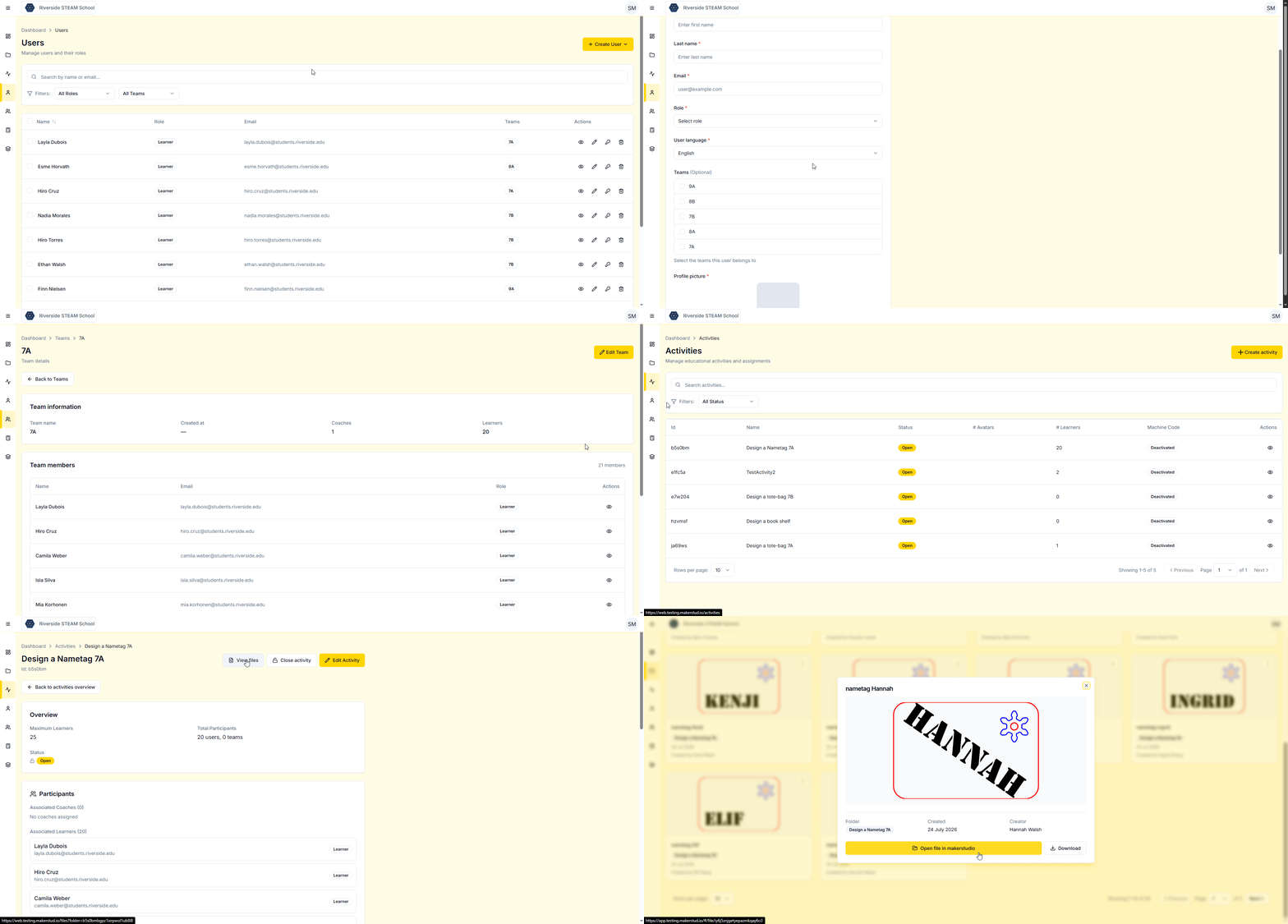
Everything the class makes, in one place
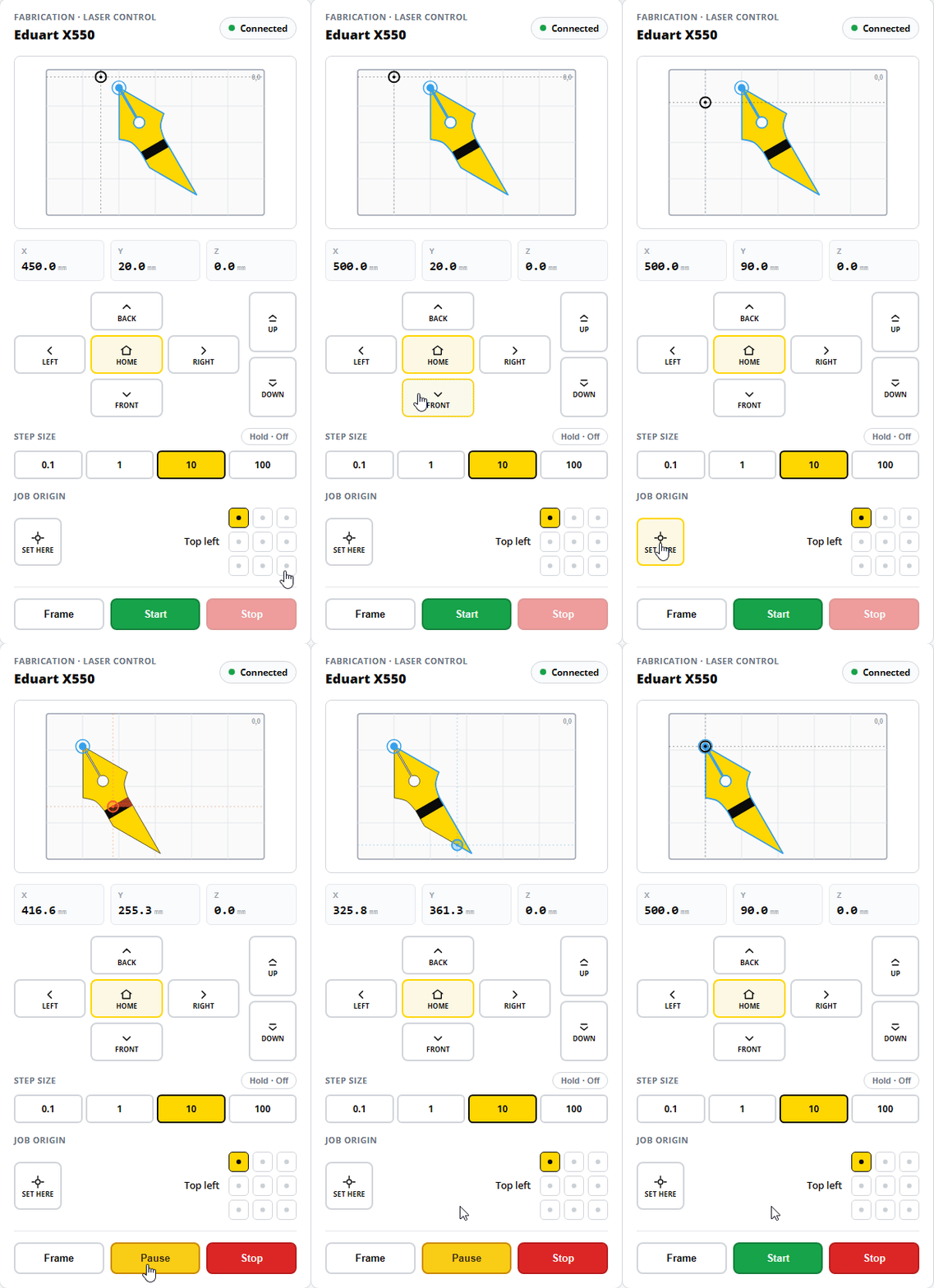
The laser cutter controller — part of the Fabrication pillar, available with institutional MakerStudio subscriptions.
Send jobs straight to the machine
Position the design on the bed, set the job origin, frame it and start the cut from one connected control panel — no separate software to install.
Institutional subscriptionsDeveloped with schools, not merely adapted for them
MakerStudio has been used for two years by approximately 50 schools in Belgium and Denmark, supporting around 100 teachers and 5,000 students.
MakerStudio is built on more than ten years of experience supporting digital fabrication in education and work with more than 200 schools.
Built with schools and learner privacy in mind
Hosted in Europe
Real learner accounts or anonymous avatar accounts
No advertising
User data is not sold
Adult-controlled public trial
Support in English, Dutch, Danish, French and more
"After more than ten years of working with schools and digital fabrication, I repeatedly saw the same challenge: children were excited to make things, but the software often created an unnecessary barrier. I created MakerStudio to make design and fabrication more accessible to young makers while giving educators the tools they need to manage learners, machines and fabrication workflows."— Stijn De Mil, founder
Request your free 6-week design trial
No credit card required. To keep MakerStudio a safe space for schools, every request is reviewed by our team before access is granted. Once your trial is ready we'll get in touch by email — this can take a few working days.